
Blog
How to Install the Offrefy Shopify App for Quantity Breaks
Step-by-step: install Offrefy on Shopify, enable the app embed, create quantity breaks, and go live with automatic checkout discounts. Free plan available.
By Offrefy · Updated
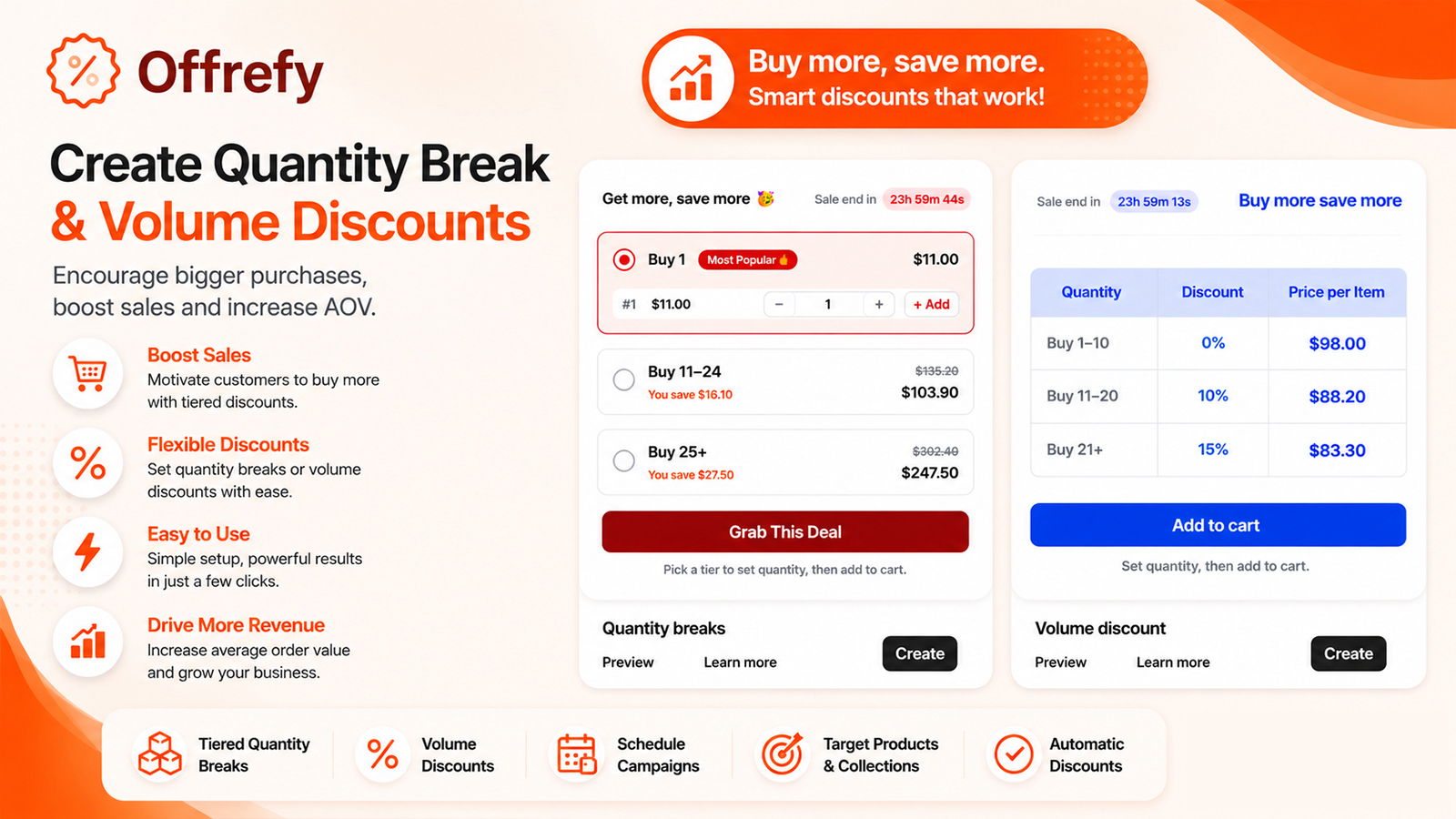
Installing the Offrefy Shopify app takes minutes. Follow these steps to launch quantity breaks and volume discounts with automatic checkout discounts.
Install Offrefy from the Shopify App Store
- Open apps.shopify.com/offrefy and click Install.
- Approve Offrefy in your Shopify admin.
- Open Offrefy and follow the in-app Setup Guide.
Enable Offrefy (global) app embed
Theme settings → App embeds → turn on “Offrefy (global)” → Save. This is required for reliable quantity breaks on product pages.
Create and activate your first offer
Set tiers, products, and widget styling. Only Active Offrefy offers show on the storefront. Hard-refresh a product page to confirm the widget, then test checkout — discounts apply automatically.
Need help? Read the Setup Guide at offrefy.xloxi.com/setup or email offrefy@xloxi.com.
Install Offrefy free on the Shopify App Store — quantity breaks that apply at checkout.